|
Introduction
Model ChemLab - An interactive Lab Simulation for Windows® and the Mac® OS X
Available in Pro and Standard Editions
Whether your challenge is to introduce new computer
technology to your curriculum, or bring the lab experience to on-line students or a need
for an alternative to dangerous, expensive or environmentally hazardous labs, then Model
ChemLab is the classroom proven solution for you.
Model ChemLab originated from academic work in
computer simulation and software design at McMaster University. It has continued to be
developed with extensive input from educators interested in the possible application of
computer simulations for classroom and distance learning.
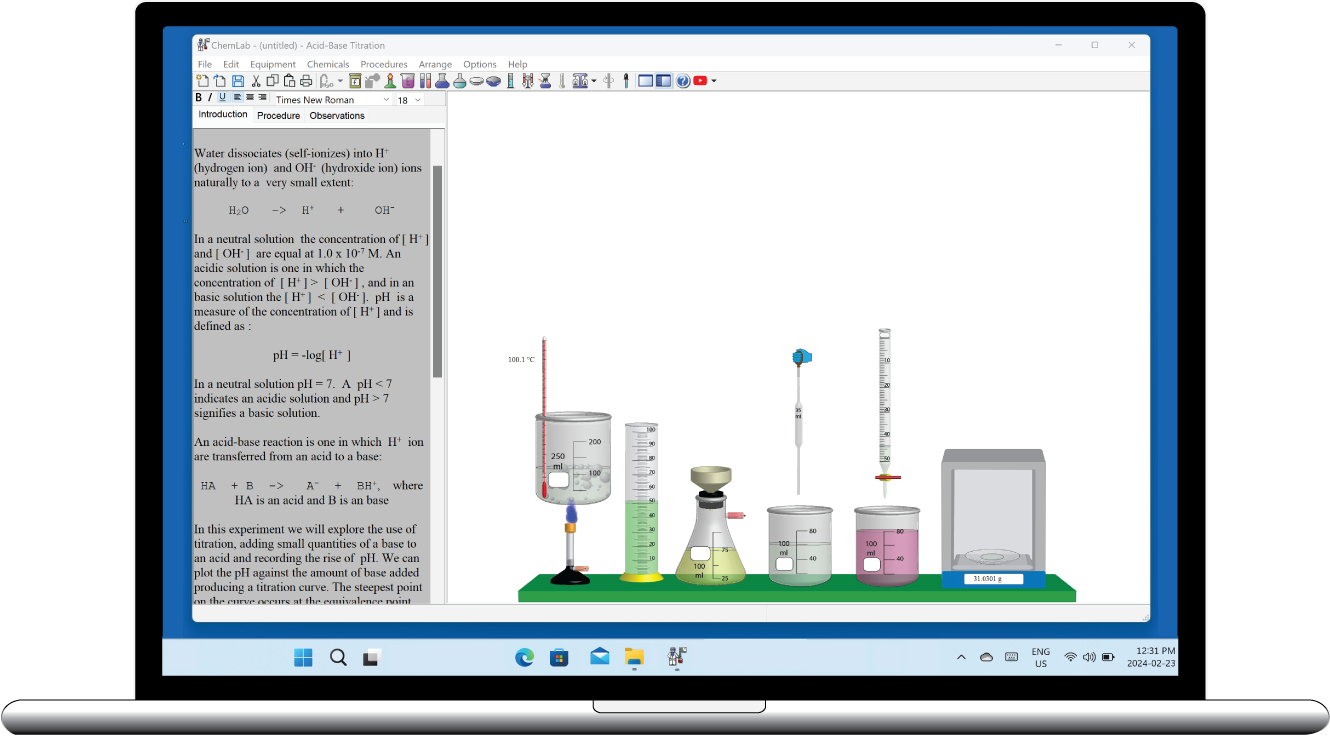
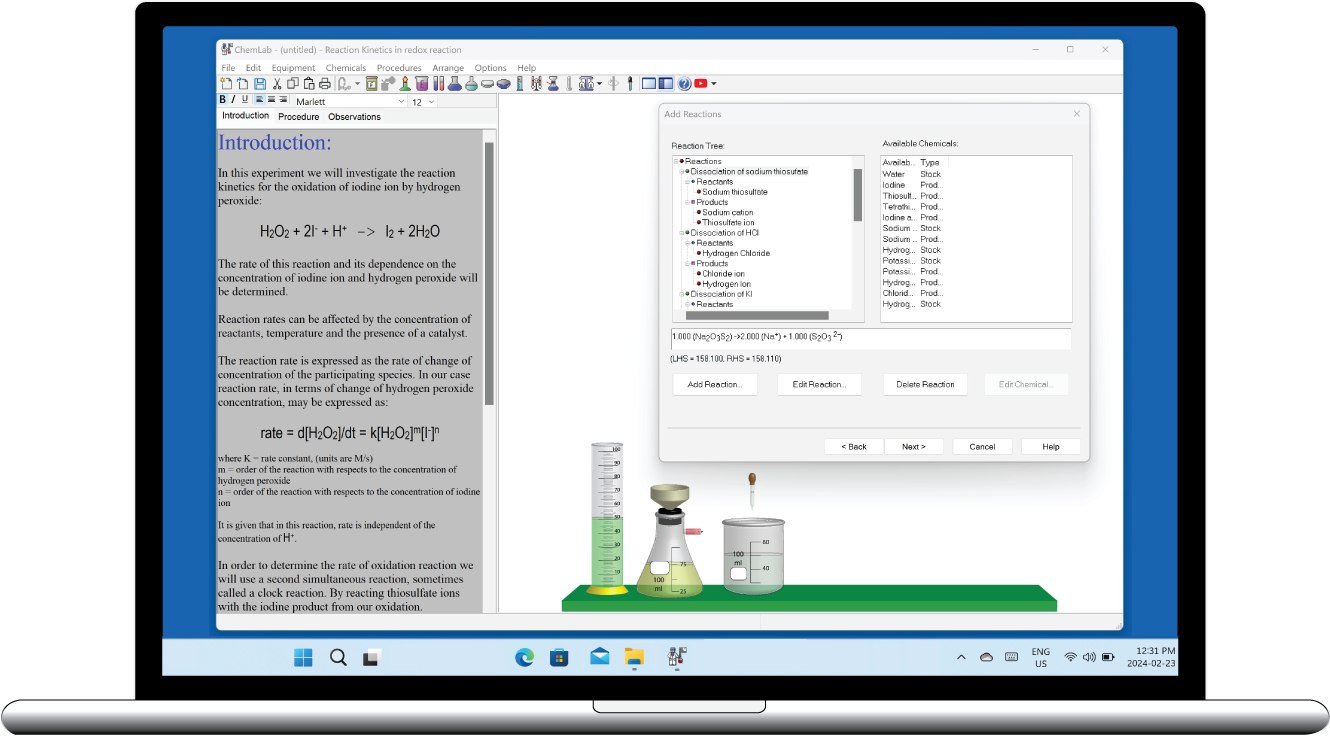
Model ChemLab is a unique product incorporating both
an interactive simulation and a lab notebook workspace with separate areas for theory,
procedures and student observations. Commonly used lab equipment and procedures are used
to simulate the steps involved in performing an experiment. Users step-through the actual
lab procedure while interacting with animated equipment in a way that is similar to the
real lab experience.
ChemLab comes with a range of pre-designed lab
experiments for general chemistry at the high school and college level. Users can expand
upon the original lab set using ChemLab's LabWizard development tools, thus allowing for
curriculum specific lab simulation development by educators. These user designed
simulations combine both text based instructions and the simulation into a single
distributable file.
ChemLab Design:
- Easy to use lab interface modeled on common
lab procedure
- Student lab notebook workspace area
- Real time animated interactive simulation
engine
- Lab Wizard tools for easy user created
lab simulations
- Support for plug-in lab simulations extensions
- Demonstration mode, allows user to capture and replay a simulation.
- Integration with RasMol molecular viewer
- Integrated Periodic Table application with quiz
- Available in English, Spanish and French
Lab equipment:
- Beakers, Erlenmeyer and Florence flasks,
test tubes, graduated cylinders, burets, eye dropper, pipets, watch
glasses, filtering flask with buchner funnel, bunsen burner, hot
plate / Magnetic stirrer, stirring rods, evaporation dish, calorimeter,
conductivity meter, geiger counter, potentiometer, Spectrophotometer and others
- Balances: centigram, electronic and high
sensitivity balance
- Distillation equipment setup: distillation
flask with heating mantel, distillation head, condenser and distillation
take-off
Common Lab Procedures:
- Titration, Decanting /pouring
- Heating and hot/cold water baths
- Temperature, weight, pH, conductivity,
voltage and volume measurements
- Plot titration curves
Lab Demonstration Mode:
- Allows Professional users to capture lab simulations as they perform it and save in a demo file
- Add comments and other messages to demonstration file
- Single distributable demo file
- Playback demonstration files in both Professional and Standard editions of ChemLab
Technical
Requirements:
- Windows® 7/Vista/XP/ME/98/95/NT/2000 with 8MB RAM
VGA or higher
- Mac OS X; Version 10.1.5 or greater
 |
 |
| ChemLab
Professional (LabWizard) |
ChemLab
Standard |
 |
 |
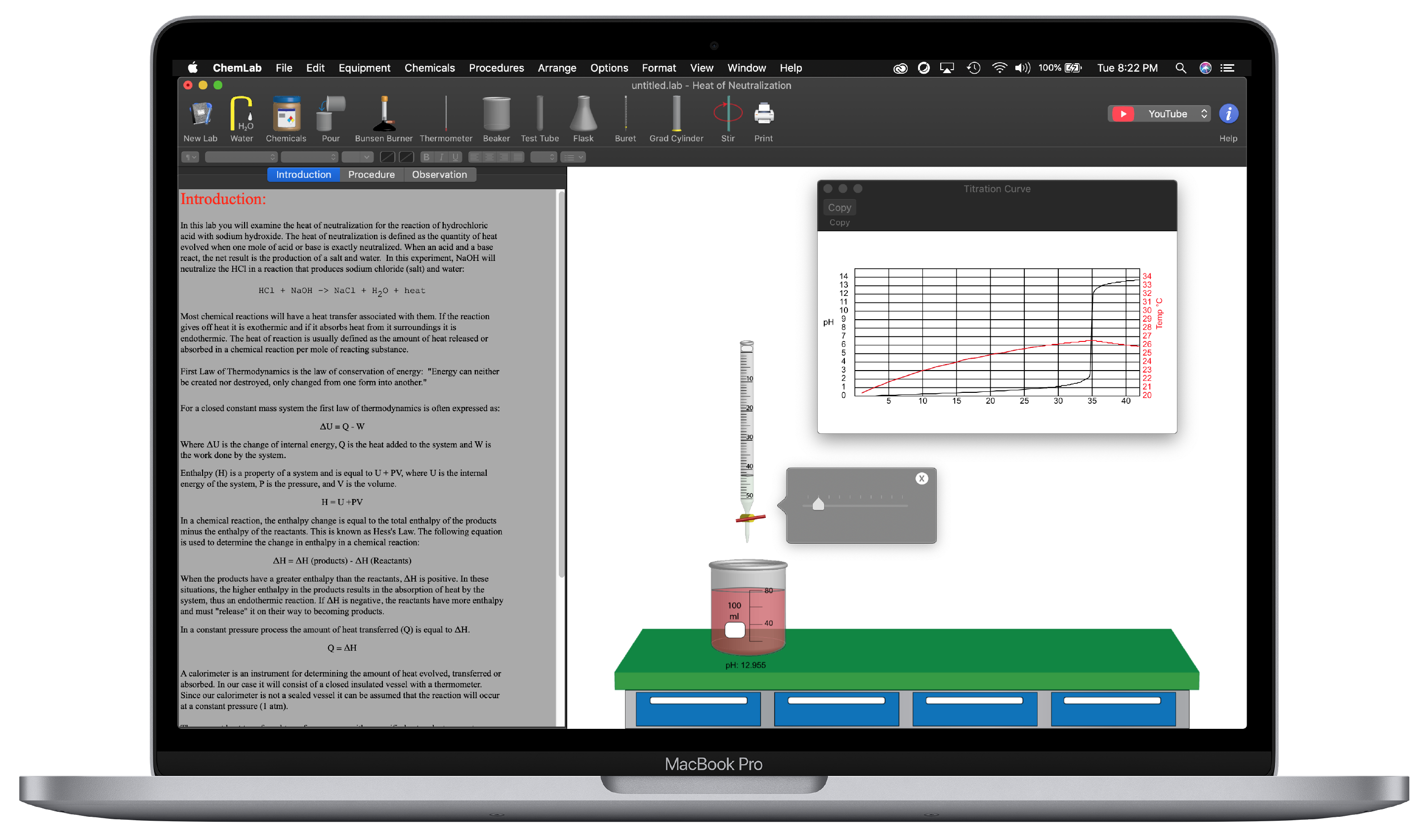
| Titration
Curve |
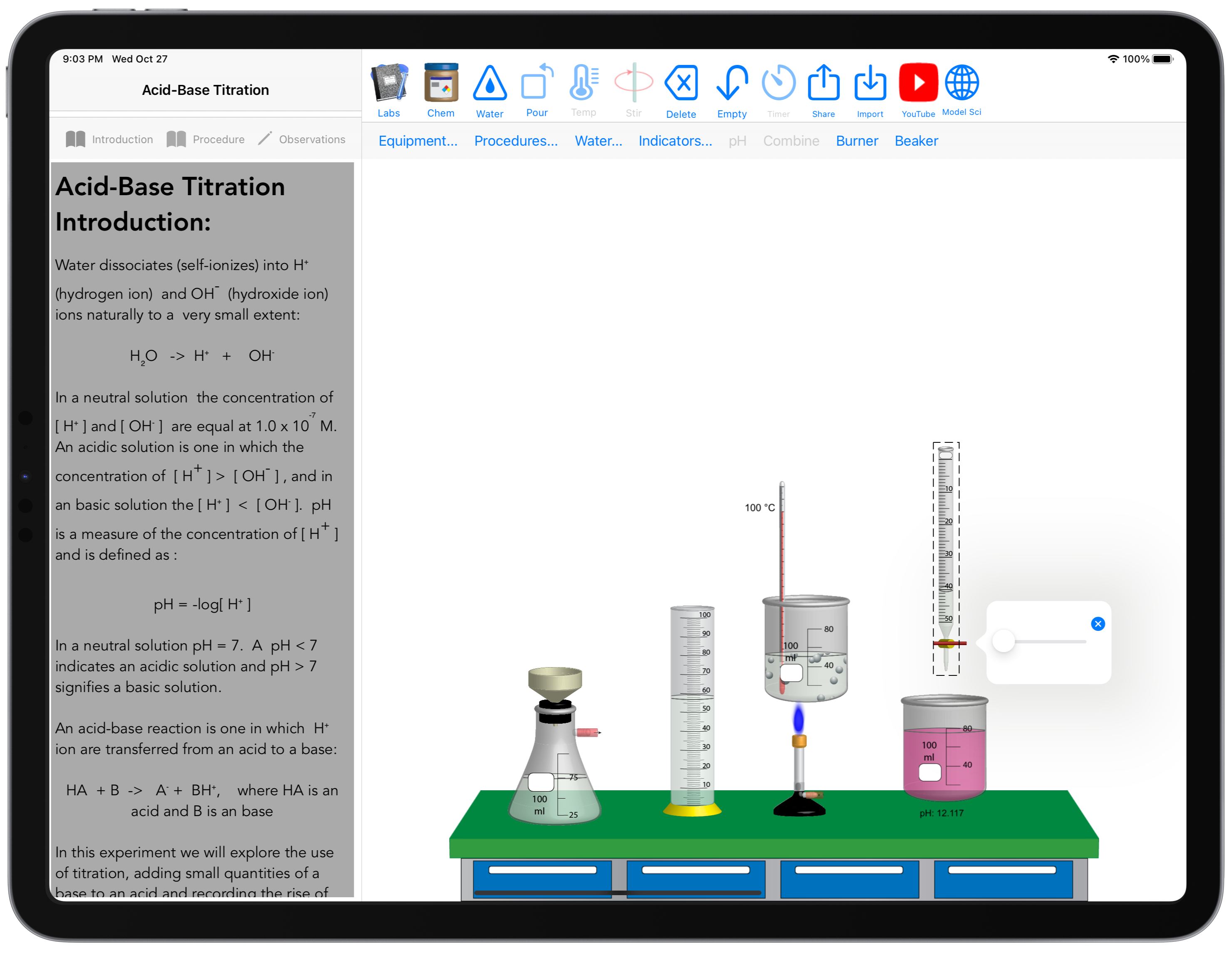
ChemLab - Mac OSX
|
"Teaching chemistry
laboratory procedures by means of a virtual laboratory on a personal computer is a very
powerful concept. Students are not limited by time or space in the virtual laboratory, and
educational institutions which do not have the physical or economic means to maintain a
real chemistry lab will welcome this alternative. Model ChemLab is just such a
tool. It is compatible with Windows and Macintosh operating systems which are found
in most schools. Use is very intuitive and easy to learn. It comes with over 20 different
laboratory modules, and the Professional Edition has a Wizard which permits design of
additional modules. Each module functions like a lab notebook with one page
describing the principles and objectives, another page giving stepwise procedures, and a
third page for recording observations and computations. The experiments are
performed in a window by assembling components selected from a menu, and then
interactively weighing, mixing, heating, measuring etc. Model ChemLab is a
well-designed product which fills a real need."
Editor, Science Book and Films Journal
American Association for the Advancement of Science
"I had a great deal of fun
with this package, as did my students. I would certainly recommend this package to all
teachers of basic chemistry as a method of augmenting the practical experience available
to their students. The software is extremely user-friendly and the instructions, both for
running listed modules and developing new ones, are clear and helpful. We intend to
introduce this software to our foundation chemistry students in pre-lab sessions, so that
they can make the most of their time spent in the laboratory."
Wynne Evans, Chemistry Instructor
University of Glamorgan "This
is an innovative resource that is fun to use and has a great deal
of potential for Chemistry teachers at any level and for any type
of course. It simulates laboratory experiments by providing lab
procedures, apparatus and chemicals for students to run experiments.
The ability to customise the existing activities and to include
new ones using the Lab Wizard is a particularly attractive feature
of this product. In addition, the software designers are easy to
contact and open to ideas."
Steve Lewis, Chemistry Instructor
Shrewsbury Sixth Form College
"Model ChemLab is a
visually enticing program that the Florida High School uses to give our virtual students
the opportunity to "handle" objects and chemicals found in a chemistry lab. This
saves us the large expense of sending out glassware and allows us to do lab activities
with chemicals that are not able to be sent to the students. The students respond very
well to the ease of use of the program, and they are very excited by the graphic
interface."
Jennifer Whiting, Chemistry Instructor
Florida Internet High School
"I just got the latest
version of your software and I would like to congratulate you for the very nice piece of
work you have done. I am sure that this software will be a "citation classic" as
we say for very good scientific papers."
Clément Lemaignan
Research Director, CEA France
"I love this program! Just
amazing. I had the sensation that I was back in the lab. I also liked the use of text...
one section for theory, one for procedures and another for observations ...
excellent!"
Daniel Barboza Vieira,
First year chemistry student, University of São Paulo
|
 |